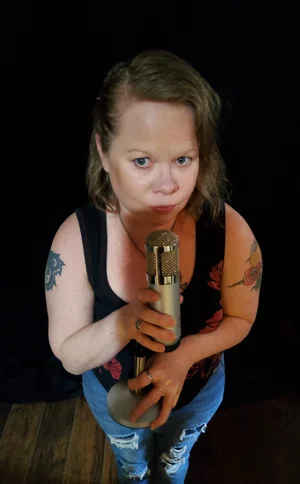
How to Create Your Own Short Video
This blog supports a new LTATM series, Music & Marketing, and introduces a starter tutorial for feedback before I fully commit to the project. The video, How to Create Your Own Short Video, grew from my Fall 2025 CWU short pod series, Off The Mic: Short Pod.
The format encourages musicians, producers, podcasters, and other indie music professionals to step away from their usual “music world” conversations. It is intentionally different from the two-hour LTATM talk show, which is a web-based podcast focused on longer-form discussions.
Off The Mic follows a simple concept:
One answer. One artist (at a time). One minute.
The goal is to create a podcast short that stays under three minutes.
So far, I have produced 41 short pods and published 37, with episodes 38–41 currently queued for release. I also write companion blog posts for each short pod, although I am currently behind on publishing them and would appreciate feedback on that process as well.
I also work with affiliates and want to help promote their work through this series. In addition, I will be starting a Digital Marketing class this summer, which I hope will help strengthen both the series and my overall media strategy.
LTATM: Off The Mic: How to video & Link to the blogs.
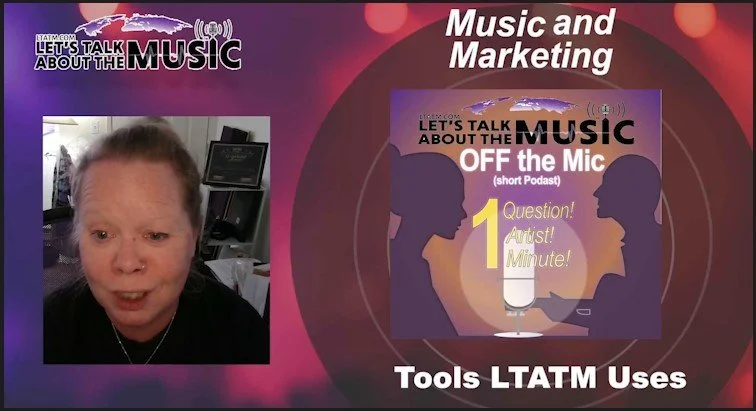
LTATM: Music & Marketing
How to Create a Short Pod
Music & Marketing: Editing Off The Mic into Short-Form Content
One of the biggest things I’ve been working on behind the scenes at Let’s Talk About The Music is turning long-form content into short, engaging clips for social media.
For this episode of Music & Marketing, I’m breaking down how I edit Off The Mic using Adobe Premiere and a few simple techniques I’ve learned along the way.
What Off The Mic Is
Off The Mic is a short-form series where I ask One answer. One artist (at a time). One minute.
The goal is to keep each video:
Under 3 minutes
Straight to the point
Easy to share across platforms
The Tool: Adobe Premiere Pro
For this workflow, I use Adobe Premiere Pro to edit and format my content into vertical short-form videos.
I didn’t learn this through formal training — most of what I do is self-taught through tutorials and practice. How LTATM Edits Short Content
Here’s the basic process I use:
1. Set Up Vertical Format
Change sequence settings to 1080 x 1920
This formats the video for:
YouTube Shorts
Instagram Reels
TikTok
2. Create a Split Screen
Unlink audio and video
Duplicate the video layer
Position both clips to create a side-by-side layout
This allows both me and the guest to appear clearly in a vertical format.
3. Add Branding
Import LTATM visual elements (banner/frame)
Lock placement so it stays consistent
Keep everything aligned and clean
4. Edit for Time
Watch the full recording
Cut out:
mistakes
pauses
off-topic moments
Goal: Keep it under 3 minutes
5. Add Text & Information
Add:
LTATM website
the question being asked
guest social media
This helps viewers:
understand the content quickly
know where to go next
6. Balance Audio
Lower background music
Adjust voice levels
Normalize audio when needed
Clear audio is just as important as visuals.
7. Export & Distribute
Once finished:
Export using Adobe Media Encoder
Upload across platforms:
YouTube
Instagram
TikTok
LinkedIn
Facebook
I also space outposts so content doesn’t drop all at once.
Final Tip
If you’re recording interviews, podcasts, live sessions or a live performance.
👉 Don’t just post the full version
👉 Break it down into short clips
That’s where your growth happens.
Tools Used by LTATM
This workflow is part of how Let’s Talk About The Music creates and promotes content for independent artists through interviews, reviews, and educational media.